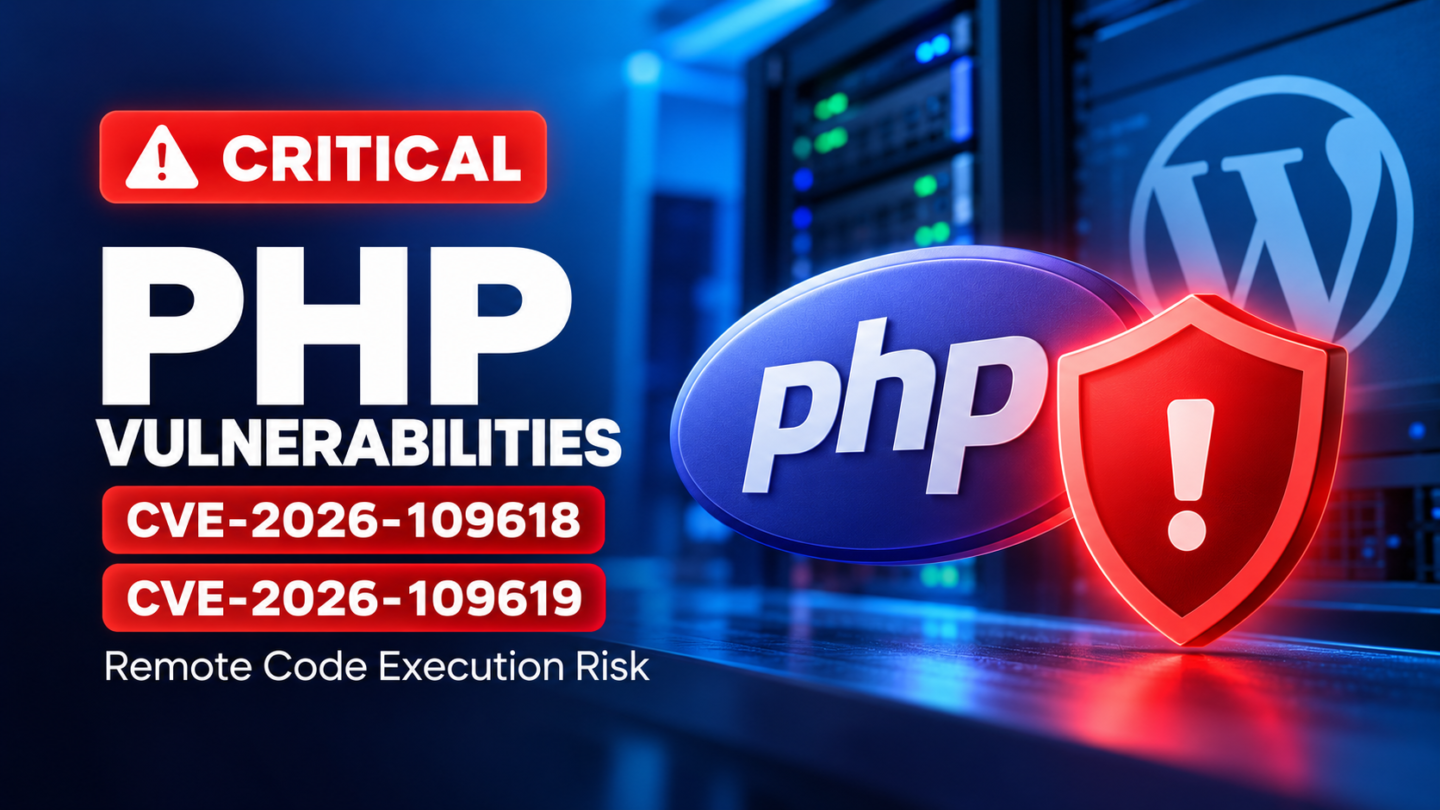
Critical PHP Vulnerabilities CVE-2026-109618 and CVE-2026-109619: What WordPress Site Owners Need to Do
Last updated: October 22, 2026
Two critical vulnerabilities in the PHP runtime have been disclosed, putting unpatched web servers and PHP-powered applications at risk. Tracked as CVE-2026-109618 and CVE-2026-109619, these security flaws could allow an unauthenticated attacker to execute arbitrary code on a vulnerable server.
The PHP security team released fixes on October 21, 2026, and strongly recommends updating affected installations immediately. Because PHP powers WordPress and many other web applications, website owners, developers, agencies, and hosting administrators should verify that every exposed environment is running a patched build.
The most important point: updating WordPress core, plugins, or themes does not fix a vulnerable PHP runtime. The PHP installation serving your website must receive the appropriate security update.
What Are CVE-2026-109618 and CVE-2026-109619?
Both vulnerabilities affect PHP’s internal request processing and memory management. They are critical security issues in the PHP runtime rather than vulnerabilities limited to a particular WordPress plugin or theme.
CVE-2026-109618: Remote code execution through out-of-memory handling
This vulnerability involves PHP’s handling of out-of-memory conditions during request processing. Under certain circumstances, an interrupted operation can leave internal request data in an invalid or partially initialized state. Subsequent cleanup may incorrectly use that data.
Successful exploitation can potentially result in remote code execution under the privileges of the PHP worker.
CVE-2026-109619: Remote code execution through stale internal state
This vulnerability involves internal state that can retain a reference to request memory after that memory has been released. A later request handled by the same worker may encounter the stale reference before normal initialization resets it.
Depending on the affected execution path and configuration, this can lead to memory-safety violations, memory disclosure, or remote code execution.
Both vulnerabilities have a Critical severity rating of CVSS 9.2. Their exploitability depends on the PHP build, execution environment, and affected request-processing path, but administrators should not assume a publicly accessible website is safe simply because it has not shown obvious symptoms.
Which PHP Versions Are Affected?
The PHP security advisories identify the following patched upstream releases:
| PHP branch | Patched release |
|---|---|
| PHP 8.5.x | 8.5.12 |
| PHP 8.4.x | 8.4.27 |
| PHP 8.3.x | 8.3.36 |
| PHP 8.2.x | 8.2.35 |
Install the appropriate patched release for your branch, or a newer release containing the relevant fixes.
The vulnerabilities affect PHP installations serving web requests, including:
- PHP-FPM
- Apache with mod_php
- php-cgi
- FrankenPHP
- LiteSpeed
The PHP team identifies Apache mod_php as a particularly important exposure because a demonstrated attack path can be reached before application-specific code executes.
What about PHP 8.1 and older?
PHP 8.1 and earlier are no longer maintained by the PHP project for routine upstream security updates. However, some operating-system distributions and extended-lifecycle vendors may provide backported security fixes for older branches.
If your server runs an older PHP version, ask your hosting provider or package vendor whether the specific installed build contains both patches. Do not assume an older branch is protected merely because the provider supports it, and do not assume a version number alone proves that a vendor-maintained build lacks a backported fix.
Where a suitable security-maintained build is unavailable, plan to migrate to a supported PHP branch.
Why WordPress Websites Should Pay Attention
WordPress executes PHP code to serve pages, process requests, run plugins, and interact with its database. A vulnerability in the underlying PHP runtime can therefore affect the server independently of whether WordPress core and its extensions are up to date.
If an attacker successfully exploits a vulnerable PHP installation, possible consequences include:
- Unauthorized execution of code under the web worker’s privileges.
- Unauthorized access to sensitive application data accessible to that worker.
- Modification of website files or content.
- Installation of malicious code or persistence mechanisms.
- Website disruption or further compromise, depending on server permissions and configuration.
These are potential consequences of successful exploitation, not evidence that every vulnerable website has been compromised.
Updating WordPress is still important, but it is not a substitute for patching PHP.
Immediate Remediation Checklist
Website owners and administrators should treat this as a priority security update.
1. Verify the PHP build used by the website
Check the active PHP version in your hosting control panel or ask your hosting provider to confirm the patched package is installed.
Do not rely exclusively on a version displayed by a command-line PHP installation: the CLI runtime and the PHP runtime serving web requests can be different builds.
2. Patch every exposed environment
Review all relevant environments separately:
- Production/live: prioritize remediation because it serves public traffic.
- Staging and test: patch environments that are publicly accessible or process untrusted requests.
- Development and preview: include development, multidev, and preview environments when they are exposed or serve web requests.
- Other PHP services: check separate applications, workers, and hosting services that use PHP.
Do not assume that a successful production update automatically means every staging, testing, and development environment has also been patched. Hosting providers may deploy updates in stages.
3. Confirm the hosting provider’s update status
For managed hosting, check the provider’s security advisory and request confirmation when necessary. Confirm whether the fix has actually reached the environment in question, rather than relying on a general statement that patching has started.
For self-managed servers, install the updated PHP package provided by your distribution or upgrade to the appropriate fixed PHP release. Restart or reload relevant PHP services when required by the provider’s instructions, then verify the effective runtime.
4. Do not rely on temporary mitigations alone
The PHP security advisories state that updating to a release containing the fixes is the only complete mitigation. Configuration changes may reduce exposure to particular attack paths, but they do not provide complete protection.
If you cannot patch immediately, contact your hosting provider and consider restricting public access to the affected application until remediation is complete.
5. Review activity if compromise is suspected
Look for unexpected changes to website files, unfamiliar administrator accounts, suspicious application behavior, and unusual server activity. Preserve relevant logs and involve your hosting provider or incident-response team if you suspect unauthorized access.
Patching prevents exposure to these specific flaws in the updated runtime; it does not establish that a previously vulnerable server was never compromised. Investigate suspicious activity separately.
Hosting Provider Update: Check Development, Test, and Live Environments
Hosting providers may apply fixes across their infrastructure at different times, so customers should verify the status of individual environments.
For example, Pantheon’s published incident update on October 21, 2026, at 19:08 PDT stated that all pre-production customer environments were patched, while free and sandbox environments were scheduled for updates over the following 24–48 hours. An earlier update described deployment to all LTS environments, SFTP-mode environments, and live environments running PHP 8.2 or later, with most paid non-live environments on PHP 8.2 or later also patched.
These statements describe Pantheon’s rollout at the time of publication, not the status of every hosting platform or a guarantee about an individual site.
Pantheon customers should consult the official incident page for the latest status and confirm their own environment where necessary.
How WPAudit Can Help
A WordPress security audit is useful for reviewing a site’s broader security posture, identifying configuration weaknesses, and highlighting issues that deserve investigation.
For this incident, website owners should use their audit results alongside direct verification of the PHP runtime:
- Review the detected PHP version and relevant server information.
- Confirm the security fix with the hosting provider or package vendor.
- Verify that production, staging, and other exposed environments have been addressed.
- Reassess the website’s wider security posture after remediation.
There is an important distinction between identifying a PHP version and verifying the exact security state of its installed build. A hosting provider may backport fixes to an older branch, and a remote scan may not be able to verify that internal package-level change.
A clean WordPress audit should not be treated as proof that the underlying PHP runtime has been patched or that the site has never been compromised.
After confirming remediation, run a WPAudit assessment to review other WordPress security risks that may still need attention.
Frequently Asked Questions
Do I need to update WordPress core to fix these vulnerabilities?
Updating WordPress core is good security practice, but these vulnerabilities are in PHP itself. The PHP runtime must be patched independently.
Are WordPress plugins or themes responsible for these vulnerabilities?
No. These CVEs concern PHP’s runtime and memory handling. A particular plugin or theme is not required for every affected execution path, although application behavior can influence the applicability of some paths.
Is a site protected if its hosting provider manages PHP?
Not automatically. Provider-managed PHP may be patched by the hosting company, but customers should verify the rollout status for all relevant environments. Older PHP branches may use vendor backports, so confirm the actual package or build rather than assuming that the upstream version number tells the whole story.
Can a web application firewall replace the PHP patch?
No. Network-level filtering can help mitigate some attack traffic, but it is not a complete replacement for the security update.
What if my site is running PHP 8.2.34 or an older 8.3 or 8.4 release?
Move to the relevant patched release or a newer release containing the fixes. If your host maintains an older PHP branch through a security-support program, obtain explicit confirmation that both CVEs have been addressed in your installed build.
Final Recommendation
CVE-2026-109618 and CVE-2026-109619 are critical PHP runtime vulnerabilities that warrant immediate attention from WordPress site owners and hosting administrators.
Verify the effective PHP build, apply the relevant security update, and confirm remediation across production and other exposed environments. If your hosting provider manages PHP, consult its current advisory rather than assuming all environments were updated simultaneously.
For a secure WordPress site, keep the PHP runtime and application components maintained, verify the infrastructure behind the website, and continue reviewing the broader security posture with WPAudit.