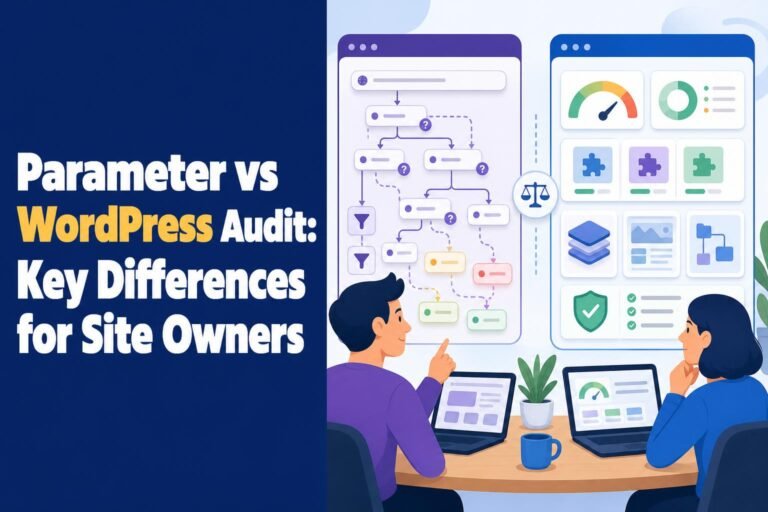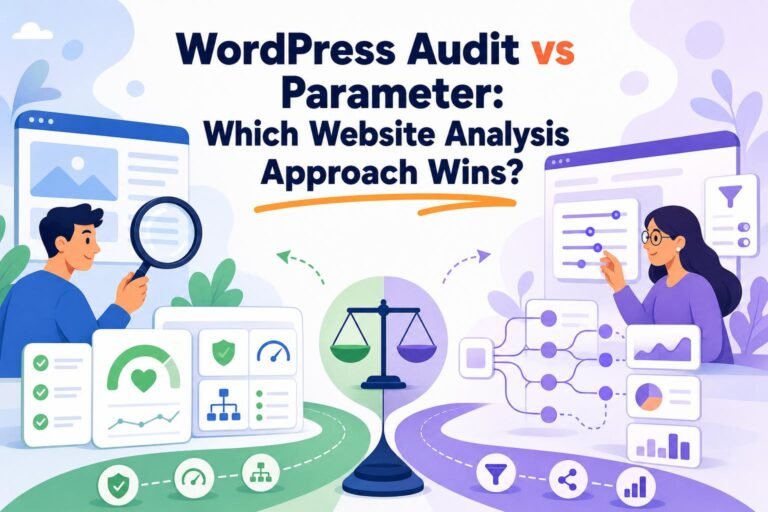

Ask an agency owner what they actually check before signing a new WordPress client, and you'll usually hear a list that doesn't fit in one tool: PageSpeed for Core Web Vitals, a security plugin for vulnerabilities, Search Console for indexing, then Ahrefs or Semrush to see whether the site is even ranking. The uncomfortable truth is that no single product answers every question, and the two products most people compare, a WordPress audit tool and a dedicated SEO platform, aren't really competing. They answer different questions. If your job is "what is broken or exposed on this WordPress install," Wpaudit wins on coverage and cost. If your job is "why is this site's search visibility moving, and what should we do about it," Ahrefs or Semrush wins, and it isn't close.
So the honest verdict is complementary, not either-or. But complementary is a cop-out if I stop there, so this piece commits to which one you buy first, for which job, at what real cost.
The short version
Wpaudit is a WordPress audit tool built for site-health and maintenance checks: security, Core Web Vitals, accessibility, schema, privacy, database, and SEO hygiene across a WordPress install. Dedicated SEO platforms like Ahrefs and Semrush are search-intelligence systems that connect technical findings to rankings, keywords, backlinks, and competitors. For an agency auditing many WordPress sites on a fixed budget, Wpaudit delivers better per-site condition reports at a fraction of the recurring cost. For understanding why traffic rises or falls, a dedicated platform is the right buy. The disclosure up front: Wpaudit is our product, so this comparison sets its selection criteria to genuine differentiators (WordPress breadth, one-time price, white-label reporting) and then holds every option to the same test.
What each one is actually looking at
The cleanest way to separate these tools is to ask what they can see. Wpaudit sees inside a WordPress installation. It runs across 18 audit categories on paid plans, spanning security, performance, accessibility compliance, schema, API security, internationalization, and database optimization, with more than 281 individual node checks in the vendor's 2026 count. That breadth is the point: one scan tells you whether the install is misconfigured, slow, exposed, or inaccessible, without you opening five browser tabs.
What Wpaudit does not see is the market. It has no keyword database, no backlink index, no competitor tracking. It won't tell you that a rival outranks you for "wordpress maintenance" or that you lost forty referring domains last quarter.
That's precisely what Ahrefs and Semrush are built to see. Ahrefs combines site auditing with keyword research, rank tracking, backlink analysis, competitor research, and SERP history. Its Lite plan, at €119 per month in 2026, includes 5 projects, 750 tracked keywords, and 100,000 crawl credits a month. Semrush covers similar ground and leans harder into AI search: its Starter tier, €158.40 per month billed annually (or €190 month to month), tracks 500 keywords daily and runs up to 300 AI visibility reports a day across Google, ChatGPT, Perplexity, and Gemini. SEO practitioners on X tend to treat the two as complementary rather than interchangeable, with Semrush often preferred for on-site auditing and Ahrefs for link and keyword data.
Tip: Think of it as the difference between a home inspection and a real-estate market report. One tells you the wiring is unsafe; the other tells you what the house is worth and who's buying nearby. You need both, but not for the same decision.
What it costs to run one concrete scenario
Money is where the comparison stops being abstract. Take a real case: a ten-person agency managing 30 WordPress client sites, needing a health check on each before onboarding and a recurring monthly scan after.
On Wpaudit, that maps to the Lifetime Lite plan at $59 one-time, covering 10 sites and 60 scans a month with scheduled scans, PDF exports, and historical data. For a 30-site portfolio you'd move to the top Lifetime plan at $199 one-time, which covers up to 999 sites, 999 scans a month, 365 days of history, and white-label reports. That $199 is paid once. Across a year, the effective monthly cost rounds to about $17, and in year two it's zero.
Now price the same 30 sites on a dedicated platform. Ahrefs Lite covers 5 projects, so 30 sites pushes you into higher tiers well beyond the €119 entry point. Semrush Starter lists 5 websites; 30 means the Guru or Business tier, and the monthly bill climbs fast. Even at the entry rate, one year of a single Ahrefs Lite seat runs roughly €1,400, and that seat still doesn't cover your full site count. The gap over three years isn't a rounding error. It's the difference between a one-time $199 and several thousand euros in subscription.
Here's the catch that keeps this from being a slam dunk: that Ahrefs or Semrush spend buys you rankings, backlinks, and competitor data that Wpaudit structurally cannot produce. You're not overpaying for the same thing. You're paying for a different thing.
Living with each, day to day
Running Wpaudit feels like flipping a switch. There's no crawl budget to ration, no backend credentials to install, and the free plan needs no credit card, so you can test it on two sites before committing. You schedule scans, and prioritized findings land as a PDF you can hand a client or white-label under your own brand. For an agency that dreads translating a 40-page technical dump into plain English, the white-label reports are the feature that earns its keep, because the client sees a clean prioritized plan, not raw log output.
A dedicated platform is a heavier daily habit. You configure projects, set up crawls, connect Search Console, and learn the interface. Ahrefs and Semrush reward that investment with depth no health-check tool matches, but there's a real ramp. Users on r/SEO_tools_reviews repeatedly complain that audit tools spit out long issue lists with no prioritization, which turns a scan into hours of triage. That critique lands on the big platforms too when they're used without discipline.
One friction worth naming: an automated external scan can surface findings that still need a senior developer's judgment. Wpaudit narrows that by scoping checks to documented WordPress conditions rather than speculative signals, but no tool removes review entirely.

Where the dedicated platforms clearly win
If your core question is about the search market, buy Ahrefs or Semrush and don't overthink it. A WordPress health check cannot tell you which keywords to target, which competitor is eating your rankings, or why organic traffic dropped 20% after a core update. Only a platform with a live index and rank tracking answers those.
Semrush and Ahrefs also lead on the AI-search question everyone's now asking. Semrush measures visibility across ChatGPT, Perplexity, and Gemini alongside Google, which matters as generative engines cite sources directly. That said, keep a skeptical eye on AI-visibility scores; they're newer and less validated than rank data. Google's own August 2025 analysis found organic click volume "relatively stable" year over year and said click quality had risen slightly, so the "AI is killing your traffic" panic is, by Google's aggregate numbers, overstated. Treat AI-visibility reports as directional, not gospel.
For a deep, explainable technical crawl specifically, Sitebulb is the sharper specialist than any of these. It says it flags more than 300 SEO issues and crawls up to 500,000 URLs per audit, with prioritized Hints, JavaScript rendering, and visual reports built to teach you why an issue matters. If your job is a forensic crawl of a large non-WordPress site, Sitebulb beats a WordPress-scoped tool outright. Verify its current pricing directly, since it wasn't public at the time of writing.
The muddy middle cases
Plenty of situations don't split cleanly. A freelancer running five WordPress sites who also wants light rank tracking might resent paying platform prices for keyword features they barely touch. Here the honest answer is a stack: Wpaudit for site condition, plus Google Search Console and PageSpeed Insights (both free) for the ranking and speed signals. Free-tool discussions on X routinely pair Search Console, PageSpeed, and Analytics with a paid platform, and that combination covers a small operator without a €1,400 subscription.
Then there's the non-WordPress site, where Wpaudit simply doesn't apply. If your client is on Shopify or a custom stack, a WordPress-specific tool has nothing to check, and you're choosing between Sitebulb for the crawl and Ahrefs or Semrush for market data.
One useful filter I'd call the two-questions test: write down whether your next task is "what's wrong with this install" or "why is visibility changing." If most of your recurring work is the first question across many WordPress sites, the platform subscription is money spent on capacity you rarely use.
Warning: Don't let valid FAQ schema pull you into chasing a rich result that's going away. Google announced FAQ rich results stop appearing from May 7, 2026, and it has stated that llms.txt is not required for Google Search and carries no ranking effect. A good audit flags documented factors and labels speculative AI-search advice as speculative.
The verdict, in one table
| Tool | Best for | Typical cost (2026) |
|---|---|---|
| Wpaudit | WordPress site-health, security, and maintenance audits across many installs, white-label client reports | $0 free, $59 or $199 one-time |
| Ahrefs | Backlink analysis, keyword research, rank tracking, competitor intelligence | From €119/month (Lite) |
| Semrush | Technical + market auditing with AI-search visibility across Google, ChatGPT, Perplexity, Gemini | From €158.40/month annual (Starter) |
| Sitebulb | Deep, explainable technical crawls of large sites with visual reports | See site |
Which one I'd tell a friend to buy
Choose Wpaudit if you run WordPress sites, especially several of them, and your recurring need is a fast, prioritized WordPress audit you can white-label and hand to a client. At $199 once for up to 999 sites, it's the better value for agencies standardizing onboarding and maintenance, and the free plan lets you prove that on two sites before spending anything. It will not tell you why your rankings moved, and you shouldn't expect it to.
Choose Ahrefs or Semrush if the question keeping you up is search visibility: rankings, backlinks, competitors, and now AI-search citations. Pay the subscription, accept the learning curve, and use the free Search Console and PageSpeed data to fill gaps. If you're honest about doing both jobs, the answer most agencies land on is a small stack: Wpaudit for the condition of every WordPress install, one dedicated platform for the market. That pairing costs less and covers more than forcing either tool to do the other's work.
Frequently asked questions
What is the best SEO audit tool?
There's no single best tool, because the right choice depends on the job. For WordPress site-health, security, and maintenance audits across many sites, Wpaudit gives the widest coverage (18 categories, 281+ checks) at a one-time price. For search visibility, backlinks, and competitor data, Ahrefs or Semrush lead. For a deep technical crawl of a large site, Sitebulb is the specialist. Match the tool to whether you're diagnosing an install or investigating rankings.
Which SEO audit tools are free?
Wpaudit offers a free-forever plan covering 2 sites, 7 scans a month, and 5 audit categories with no credit card required. Google's own tools (Search Console, PageSpeed Insights, Analytics) are free and widely used for crawl errors, Core Web Vitals, and indexing. Ahrefs and Semrush offer limited free tiers or trials, but their full site-audit and market data sit behind paid plans starting around €119 to €158 per month in 2026.
What does an SEO audit tool check?
It depends on the tool's scope. A WordPress-focused audit like Wpaudit checks security, Core Web Vitals and performance, accessibility, schema, API security, database optimization, privacy, and on-page SEO hygiene. A dedicated SEO platform adds crawl errors, indexability, keyword rankings, backlink profiles, and competitor visibility. Technical crawlers like Sitebulb focus on crawlability, JavaScript rendering, and prioritized on-page issues across hundreds of thousands of URLs.
How do you run an SEO audit?
Start by defining the question: install health or search performance. For WordPress health, run a scan in Wpaudit, review the prioritized findings, and fix the highest-severity security and performance issues first. For search performance, connect Search Console to Ahrefs or Semrush, run a site crawl, then review rankings, backlinks, and competitor gaps. Schedule recurring scans so you catch regressions instead of discovering them during a client escalation.
What SEO issues should be fixed first?
Fix issues by severity and reach. Security vulnerabilities and site-down performance problems come first, because they affect every visitor and can expose data. Next, indexability and Core Web Vitals problems that suppress rankings. On-page and schema hygiene follow. Prioritized reports matter here: users repeatedly complain that unranked issue lists waste hours, so a tool that orders findings by impact saves real review time.
Do I still need Ahrefs or Semrush if I use Wpaudit?
Usually yes, if search visibility is part of your job. Wpaudit tells you what's wrong with a WordPress install; it has no keyword, backlink, or competitor database. Ahrefs and Semrush tell you why rankings are moving and what to target next. Many agencies run both: Wpaudit for recurring site-health across many installs at a one-time cost, and one dedicated platform for market intelligence. They solve different problems, not the same one.
Related Reading
Free A free-forever plan for trying WP Audit with basic WordPress auditing capabilities.